Instant on/off
A bright LED light the moment you open the app — one tap on, one tap off.
 alphabeta.systems

Android app
Turn your phone's LED into instant, reliable light — one tap on, one tap off, with a tactile dial for intensity and strobe frequency.
Installing the APK: on Android, open the downloaded Flashlight-1.0.apk. The first time, your phone may ask permission to install apps from your browser — allow it, then tap Install. Flashlight is published by alphabeta.systems.
Screenshots
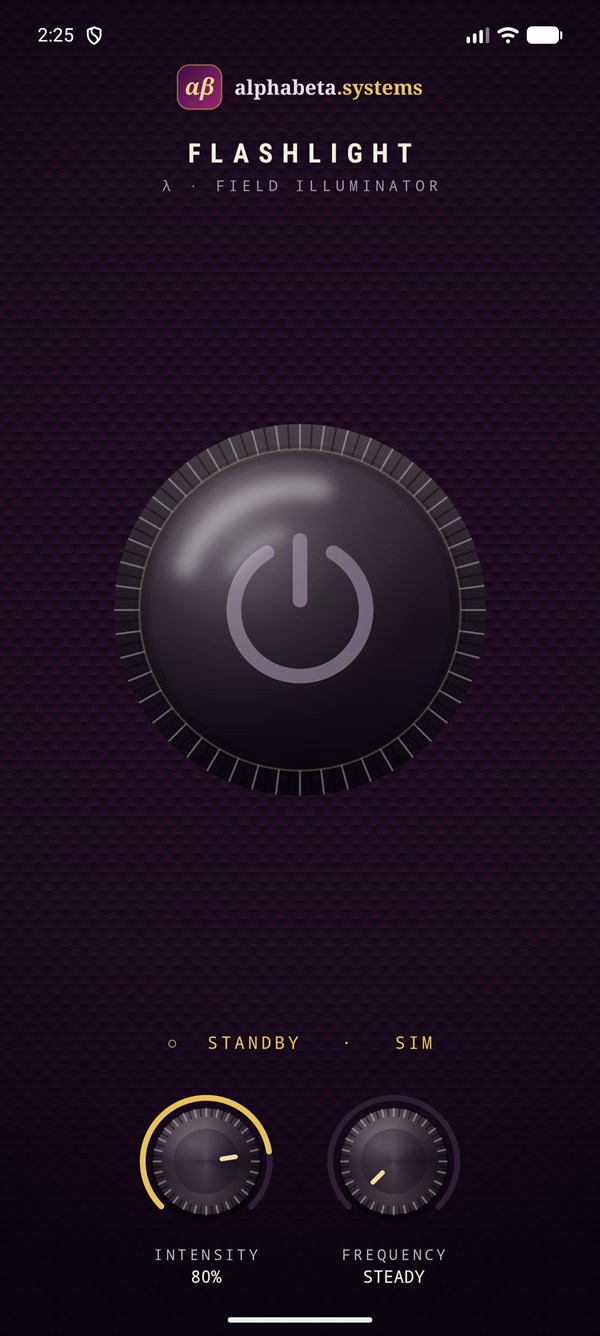
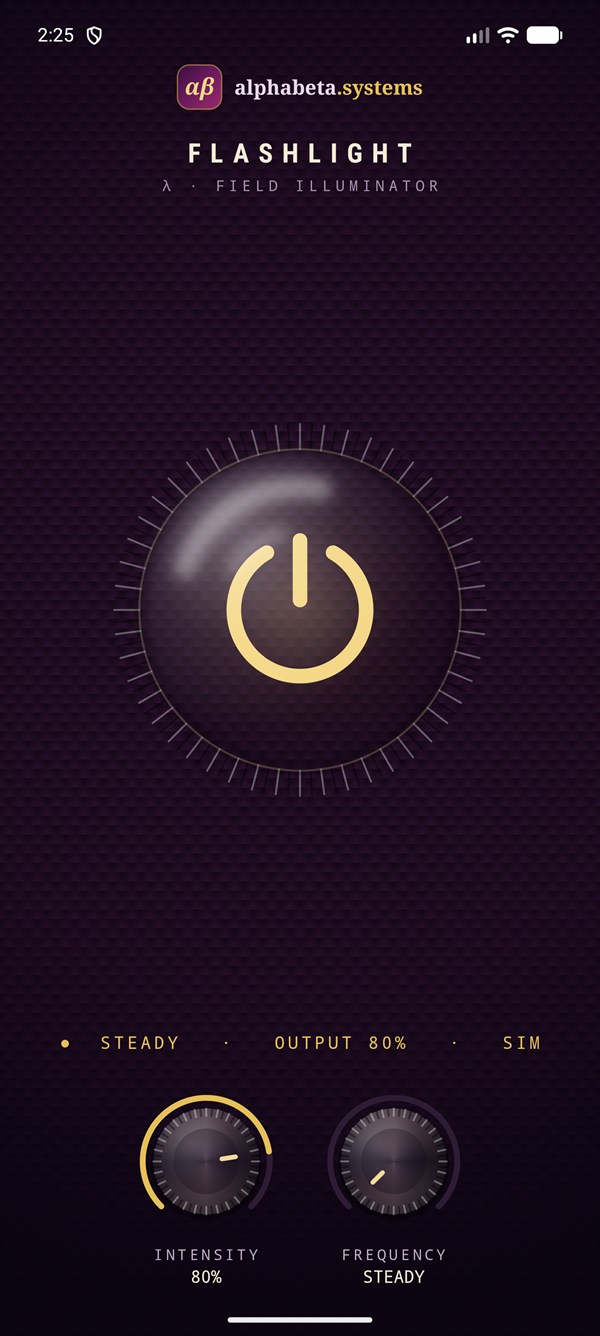
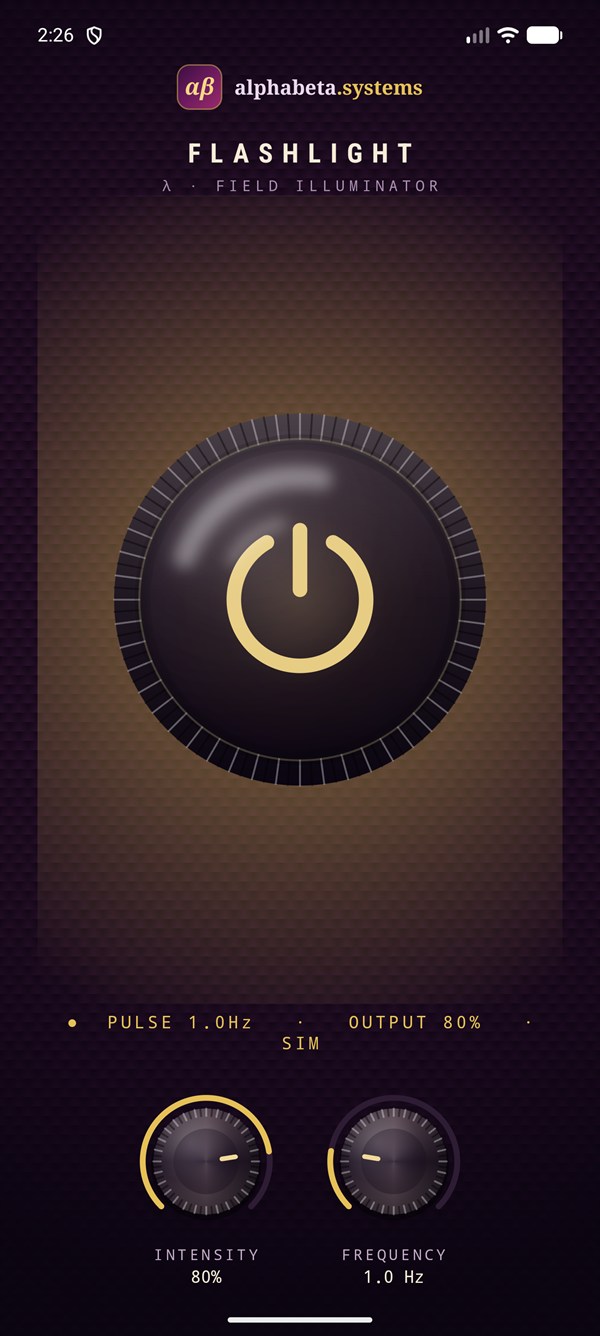
Flashlight turns your device's LED into an instant, reliable light source. One tap to switch on, one tap to switch off — no clutter getting in the way.
A clean, polished interface with a tactile dial makes it effortless to use whenever you need light: finding your keys, reading in the dark, or handling a power outage. Adjust the brightness intensity, or dial in a strobe frequency when you need a flashing signal. Lightweight and fast, it opens straight to the light. Flashlight is free to use and supported by ads.
Features
A bright LED light the moment you open the app — one tap on, one tap off.
A tactile dial to set the brightness exactly where you want it.
Dial in a flashing frequency for signalling or attention — as slow or fast as you like.
A distraction-free, beautifully finished design with nothing in the way.
Tiny download, instant launch — it opens straight to the light.
No sign-up, no login. Install it and it just works.
Download
Download the signed APK and install it directly on your Android phone. A Google Play release is coming soon.
Installing: open the downloaded file on your phone; if prompted, allow your browser to install unknown apps, then tap Install.
FAQ
Yes — free to download and use. It is supported by ads.
Android 8.0 (Oreo) and newer, on devices with an LED camera flash.
Download Flashlight-1.0.apk on your phone and open it. The first time, Android may ask you to allow installs from your browser — allow it, then tap Install.
No account, no personal information. Ads are served via Google AdMob, which may use an advertising ID and basic device data. See the privacy policy.
Visit Flashlight support or email [email protected].