Read the whole card
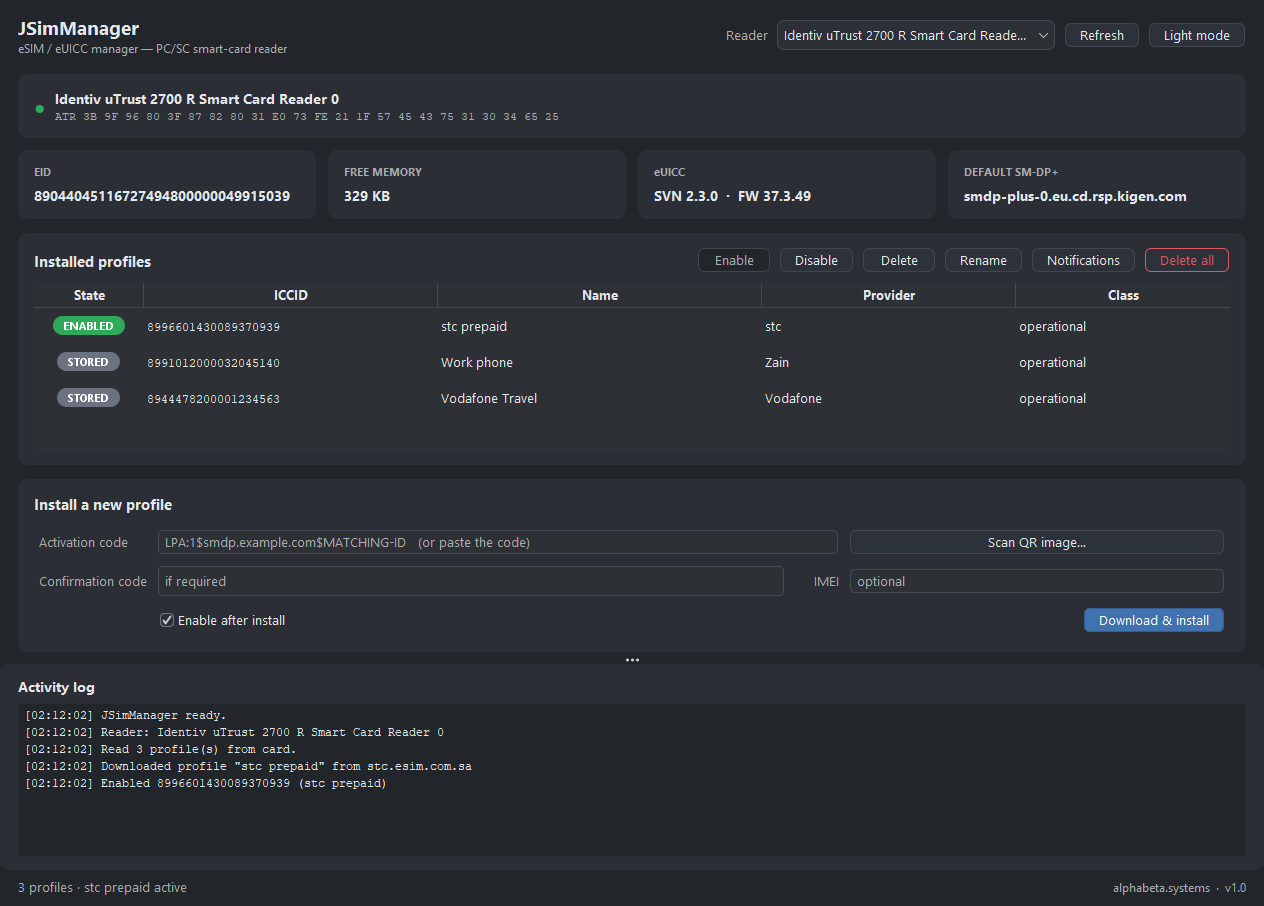
EID, eUICC version and firmware, free memory and the default SM-DP+ — plus every installed profile with its ICCID, name, provider and enabled state.
 alphabeta.systems
Desktop app for Windows & Linux
An eSIM / eUICC manager for a PC/SC smart-card reader — read the card, enable, disable, delete and wipe profiles, and download new ones from a QR or activation code.
You need a PC/SC reader: JSimManager talks to an eUICC card in a smart-card reader (e.g. an Identiv uTrust 2700 R). Put a programmable eUICC card in the reader, launch the app, and it reads the card — no phone required.
First run on Windows: if a blue “Windows protected your PC” box appears, click More info → Run anyway. JSimManager is published by alphabeta.systems and is safe — it simply isn’t code-signed yet, so Windows shows a generic warning.
JSimManager turns a plain smart-card reader into a full eSIM console. Drop a programmable eUICC card into the reader and the whole card lays itself out: its EID and chip version, how much memory is free, the default SM-DP+, and every eSIM profile it holds — each one you can enable, disable, rename, delete, or wipe entirely.
Need a new line? Paste an LPA activation code or point it at a QR image, and JSimManager downloads and installs the profile straight onto the card — optionally enabling it in the same step. Under the hood it is a pure-Java GSMA SGP.22 Local Profile Assistant: the app only relays the encrypted blobs between the eUICC and the operator’s SM-DP+, so all the cryptography stays on the chip. It even bundles the GSMA CI root, so operators whose SM-DP+ uses a GSMA-CI TLS certificate (like stc) just work. Cross-platform Java, with switchable dark and light themes.
Screenshots
Features
EID, eUICC version and firmware, free memory and the default SM-DP+ — plus every installed profile with its ICCID, name, provider and enabled state.
Switch the active line with one click, give profiles friendly nicknames, and the change is written to the eUICC ready for the card’s next device.
Delete a single profile, or wipe the card in one action — disabling, deleting and flushing the deletion notifications to each operator automatically.
Paste an LPA:1$… activation code or scan a QR image; add a confirmation code or IMEI if the operator needs one, and enable it on install.
A pure-Java Local Profile Assistant — no external lpac. The eUICC and SM-DP+ do all the crypto; the bundled GSMA CI root lets GSMA-CI operators like stc work.
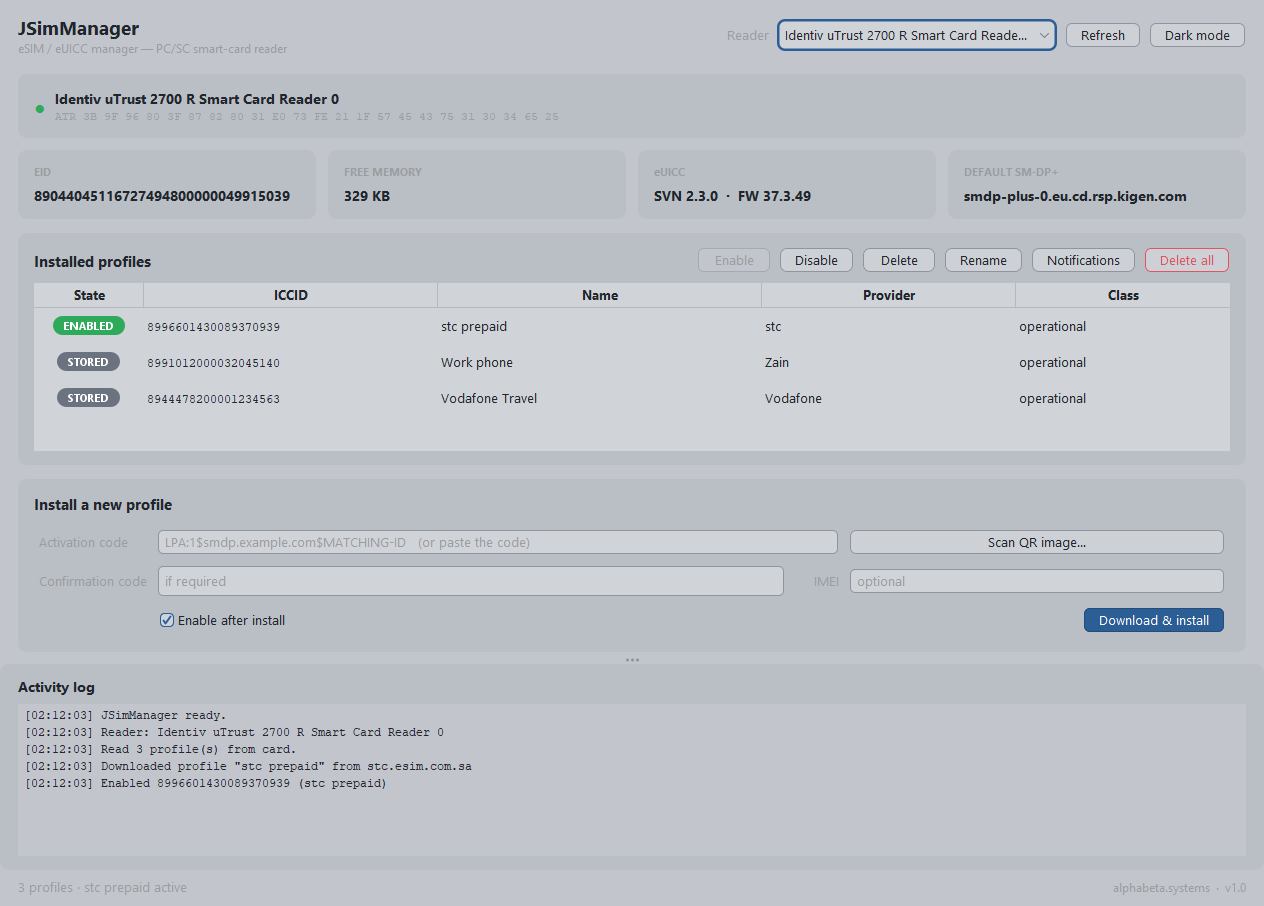
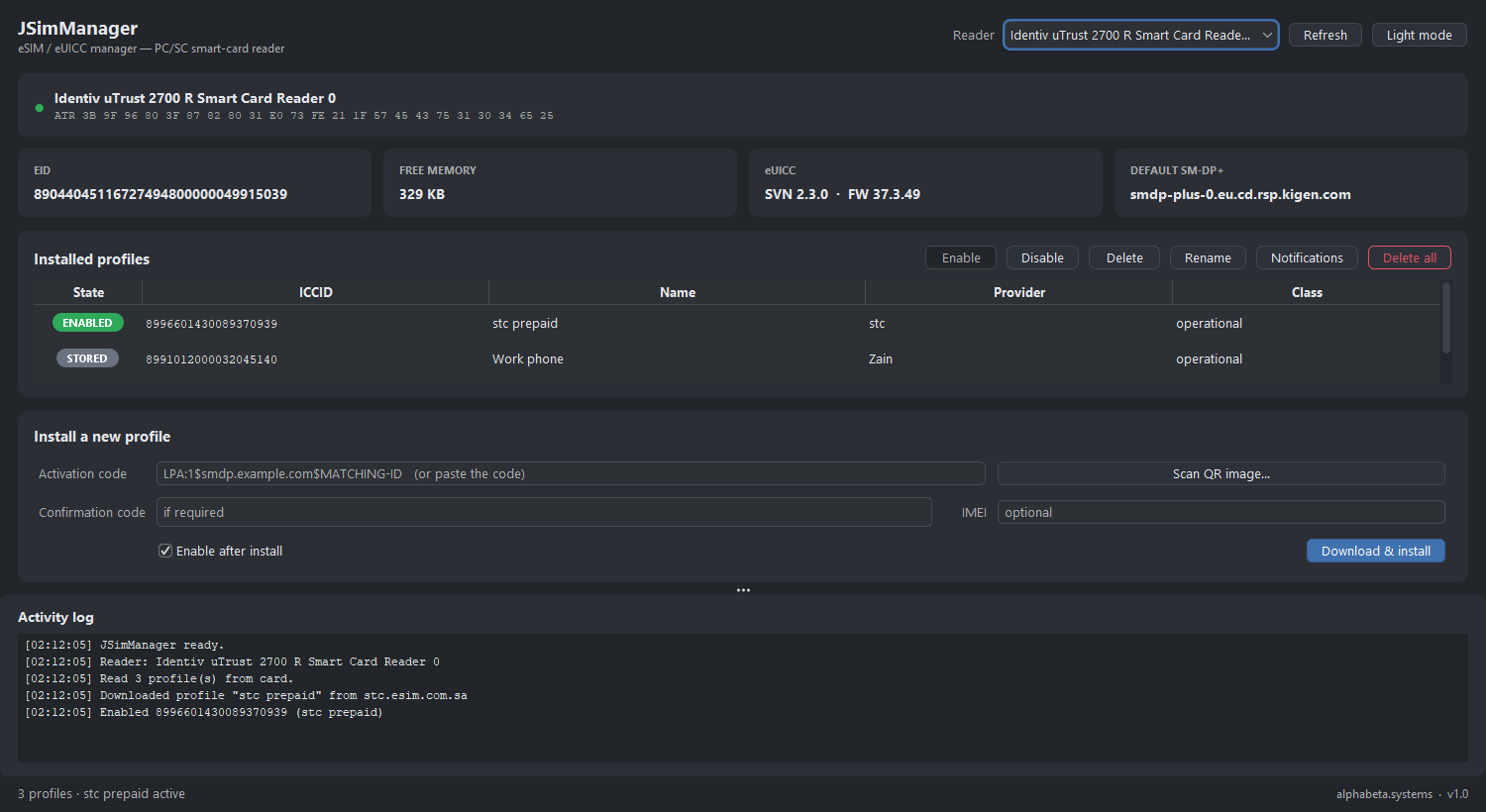
A clean, modern interface in switchable dark and light themes, with the profile actions and a live activity log always in view.
Download
One self-contained .jar with everything bundled. No installer — just a Java 21+ runtime and a PC/SC smart-card reader with a programmable eUICC card. Launch with java -jar JSimManager.jar (or double-click the jar). On Linux, install pcscd first.
FAQ
A free Java desktop app that manages an eSIM (eUICC) in a PC/SC smart-card reader — read the card, list profiles, enable, disable, rename, delete or wipe them, and download and install a new profile from a QR code or an LPA activation code. It’s a pure-Java GSMA SGP.22 Local Profile Assistant.
A PC/SC smart-card reader (for example an Identiv uTrust 2700 R) with a programmable eUICC card in it, and a Java 21+ runtime. Put the card in the reader, run the jar, and JSimManager talks to the eUICC directly — no phone needed.
Yes. Some SM-DP+ servers present a TLS certificate issued by the GSMA CI rather than a public browser CA, which normally throws a certificate error. JSimManager bundles the GSMA CI root and trusts it alongside the system CAs, so operators such as stc download without disabling verification. The profile download itself is secured by the eUICC under the GSMA PKI.
No installer. It’s one self-contained jar (~5.3 MB); you only need Java 21+. Run it with java -jar JSimManager.jar.
Yes — the jar runs anywhere with Java 21+ and a working PC/SC stack. Windows and macOS have PC/SC built in; on Linux install pcscd (pcsc-lite). It uses the standard javax.smartcardio API, so any PC/SC-class reader works.
Yes — free to download and use.